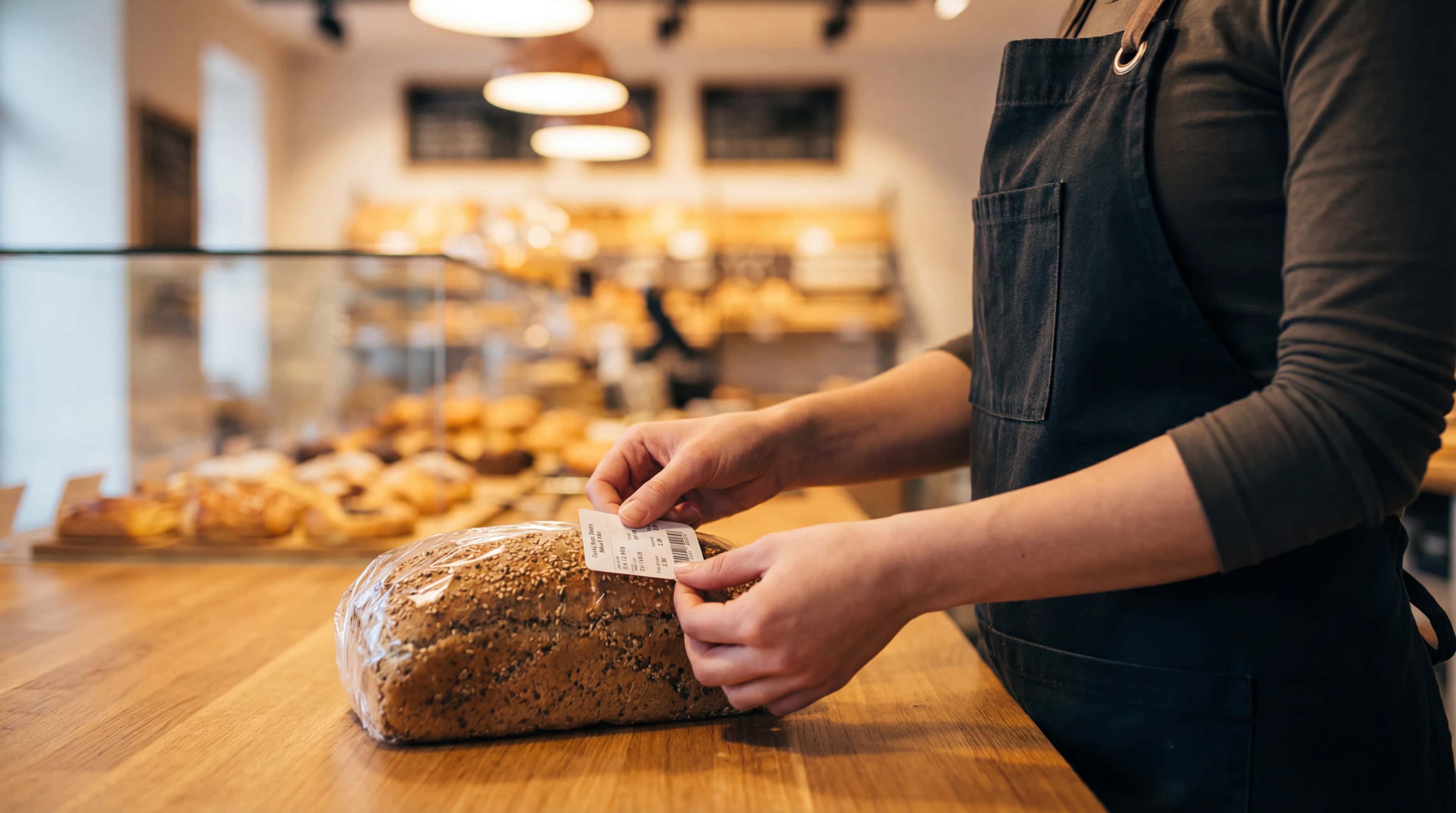
Labeling
Choose. Customize. Print.
Print labels tailored to each use — price, allergen or nutrition, with the right format and style.
Am I printing a price label for the display case, or a full label for packaging?
Allergens and nutritional values — how do I display them without redoing everything?
« Every time the format or layout needs to change, I'm almost starting from scratch »
« I want clean, readable labels that fit each product »
From product to label
From picking a template to batch printing, without ever re-entering your information.
- 1
Choose the label type you need based on the product and use case
- 2
Set the style, format and information to display
- 3
Select the products and the number of copies to print
- 4
Run the batch print with a consistent layout
Labels adapted to every use — price, allergen, nutrition, with a high level of customization.
What changes
Before
- One label type cobbled together for every use
- Layout redone depending on the product or format
- Little flexibility between price labels and detailed labels
- Repetitive, time-consuming printing
- Hard to keep information consistent
With LogiBake
- Reusable, editable label styles
- Formats and content adapted by use case
- Price, allergen or nutrition labels as needed
- Batch printing of selected products
- Consistent presentation across all your labels
What you gain
For the display case
You print clear price labels sized for the shop display.
For packaging
You prepare more detailed labels with ingredients, allergens, nutrition, weight or use-by date as needed.
When you print multiple products
You run multiple prints at once with the right style and the right number of copies.
When you want control over the look
You choose exactly what appears and how it looks.
You spend less time redoing the layout and get labels that are cleaner, more consistent and better suited to each use.
Everything is connected
This feature is part of an ecosystem. Every module feeds into the others.